The rise of game streaming has transformed the way players connect, share, and build communities around their favorite titles. Whether aiming to turn pro, build a hobbyist channel, or simply share your gaming experiences with friends, starting a streaming channel today is more accessible than ever. Here’s your step-by-step guide to launching a successful video game streaming career in 2025.
Step 1: Choose Your Platform
The first decision is where to stream. Twitch continues to dominate as the biggest streaming platform, ideal for building an audience quickly thanks to its mature ecosystem and discoverability tools. YouTube Gaming offers excellent video-on-demand features plus streaming, making it a great choice for content creators who want to upload edited highlights alongside live gameplay.
Facebook Gaming and newer platforms like Trovo provide growing communities and less saturated markets, which can be advantageous for new streamers. Consider your target audience and content type before choosing.
Step 2: Get the Right Hardware
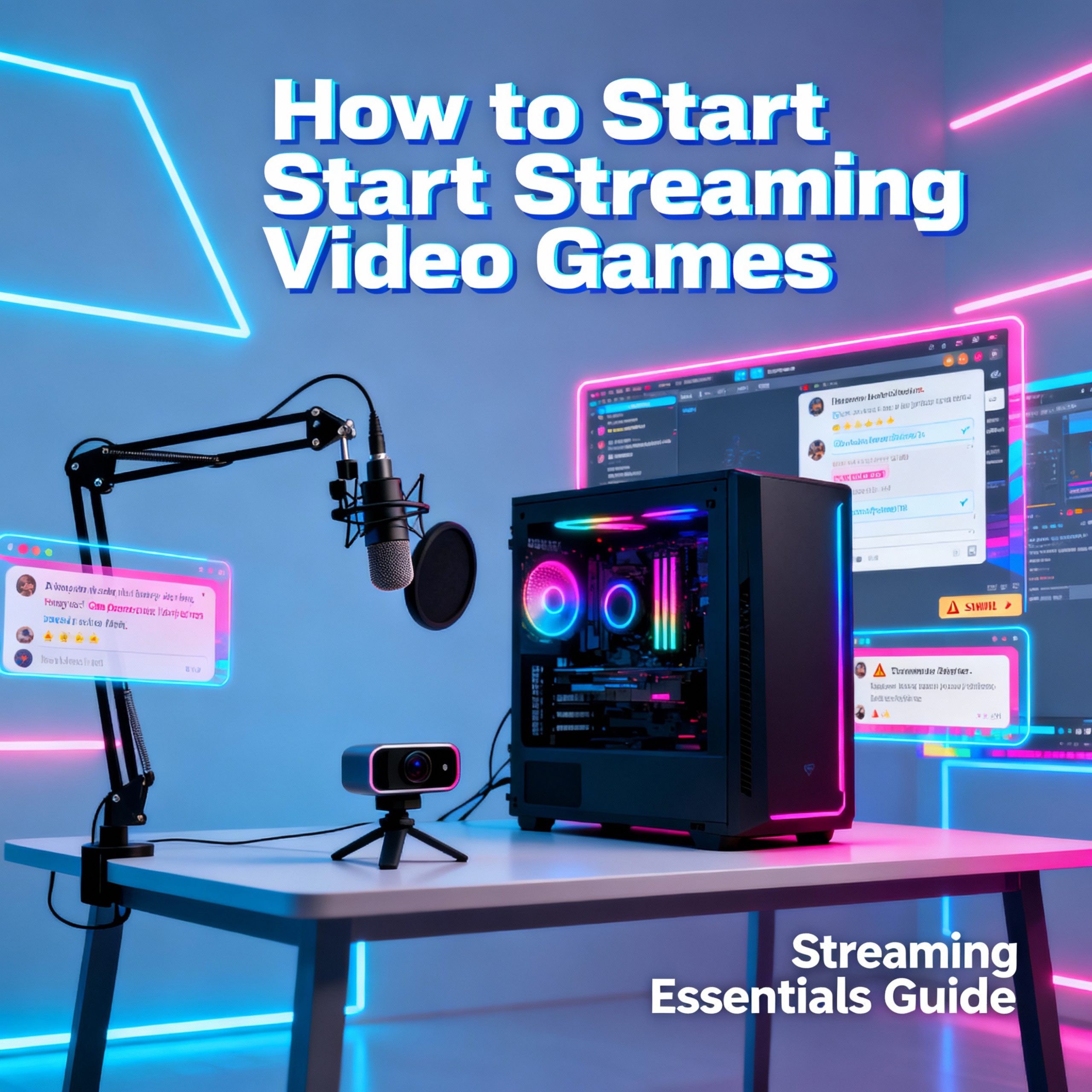
You don’t need a million-dollar setup, but quality matters. A good gaming PC or console for playing games is essential, as is a dedicated streaming computer or an all-in-one powerful PC to handle encoding and streaming workload.
Key peripherals include:
– A high-quality microphone (USB or XLR) for clear voice audio
– A webcam to show your face and build viewer connection
– Dual monitors to stream and monitor chat simultaneously
– A stable internet connection with at least 5 Mbps upload speed
Many beginners start with software encoding, upgrading to hardware encoders like Elgato’s capture cards as their channel grows.
Step 3: Choose Your Streaming Software
Software choices range from free to paid solutions:
– OBS Studio (free and widely used, offering a powerful and flexible setup)
– Streamlabs OBS (user-friendly with integrated alerts and chat widgets)
– XSplit (industry-grade, great for beginners and pros)
These tools allow you to add overlays, alerts, webcam frames, and transition effects, essential for professional-looking streams.
Step 4: Set Up Your Channel and Brand
Create an attractive channel with:
– A memorable username
– Custom channel art and overlays, consistent with your personality or gaming niche
– Regular streaming schedule to build viewer habits
– Engaging channel description and social media links
Branding helps differentiate you in a crowded market and helps build an audience that connects with your style and content.
Step 5: Engage and Grow Your Audience
Interaction is everything in streaming. Talk to your chat actively, answer questions, and build relationships with viewers. Community-building grows loyalty and naturally promotes your channel.
Collaborate with other streamers, join raids, and attend virtual gaming events to widen your reach. Consistency, authenticity, and patience are your best allies as growth usually takes months, not days.
Step 6: Monetize Your Stream
Once you build an audience, platforms offer multiple monetization options:
– Subscriptions and bits (Twitch) or memberships (YouTube)
– Donations and tips through third-party services
– Sponsorships and affiliate marketing
– Game sales referrals through affiliate links
Diversify income streams to sustain and grow your channel over time.
Final Tips for New Streamers
– Avoid trying to be perfect from day one; focus on improvement and engagement
– Play games you enjoy and know well to deliver authentic content
– Use analytics tools to track viewer growth and peak engagement times
– Stay hydrated and maintain breaks, as streaming can be physically and mentally demanding
Starting to stream games in 2025 means entering a dynamic, rewarding world brimming with possibility. With the right tools, mindset, and community focus, your channel could be the next breakout star in gaming entertainment.